

No products in the cart.
 Shop By Category


Description
UGREEN 10902 M.2 NVMe SSD Enclosure
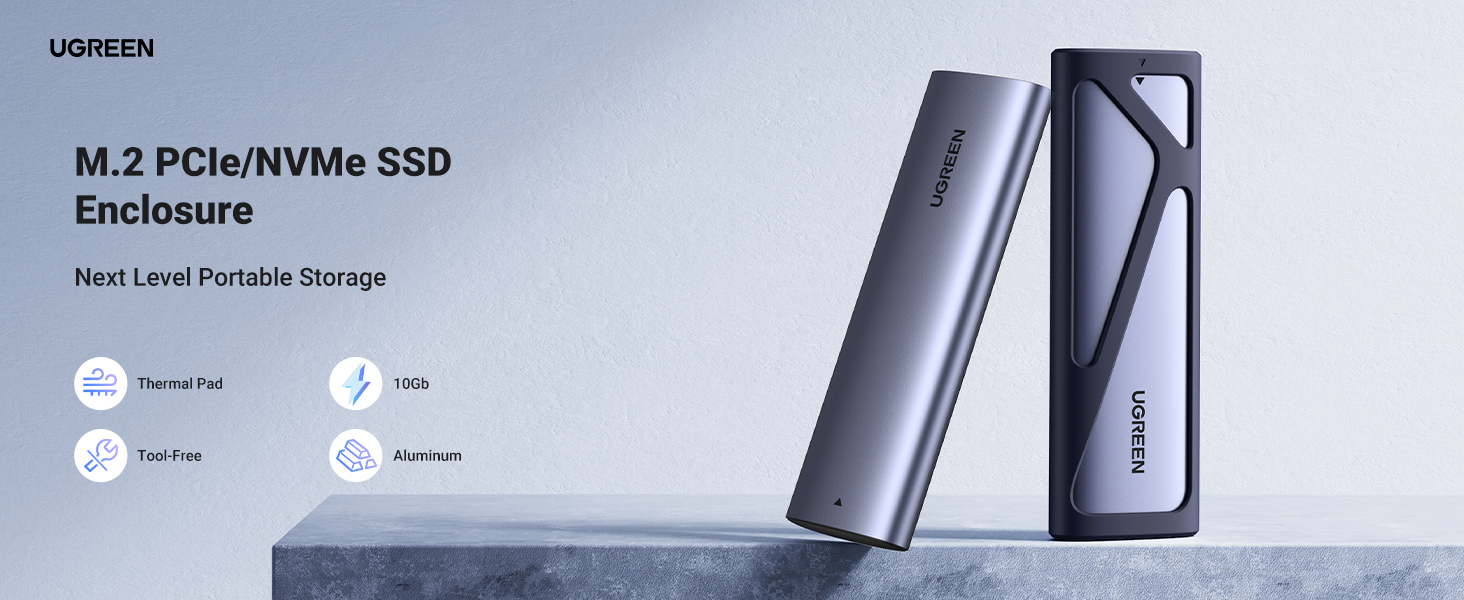
UGREEN 10902 is an M.2 NVMe SSD enclosure. This unit houses M.2 NVMe solid-state drives and converts them into external storage devices. UGREEN manufactured this enclosure under model number 10902.
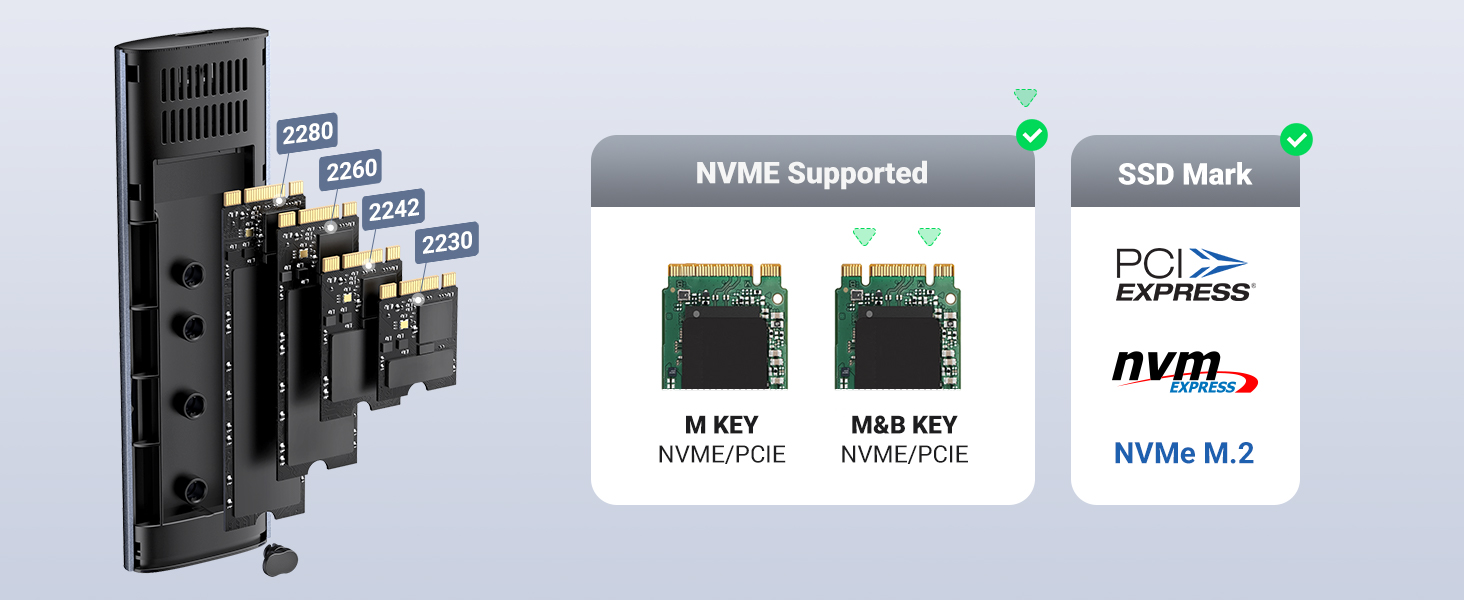
The enclosure accepts M.2 NVMe form factor SSDs. Users install their M.2 NVMe drive into the enclosure body, then connect the assembled unit to a computer or other host device. Internal SSD becomes accessible as external storage after installation.
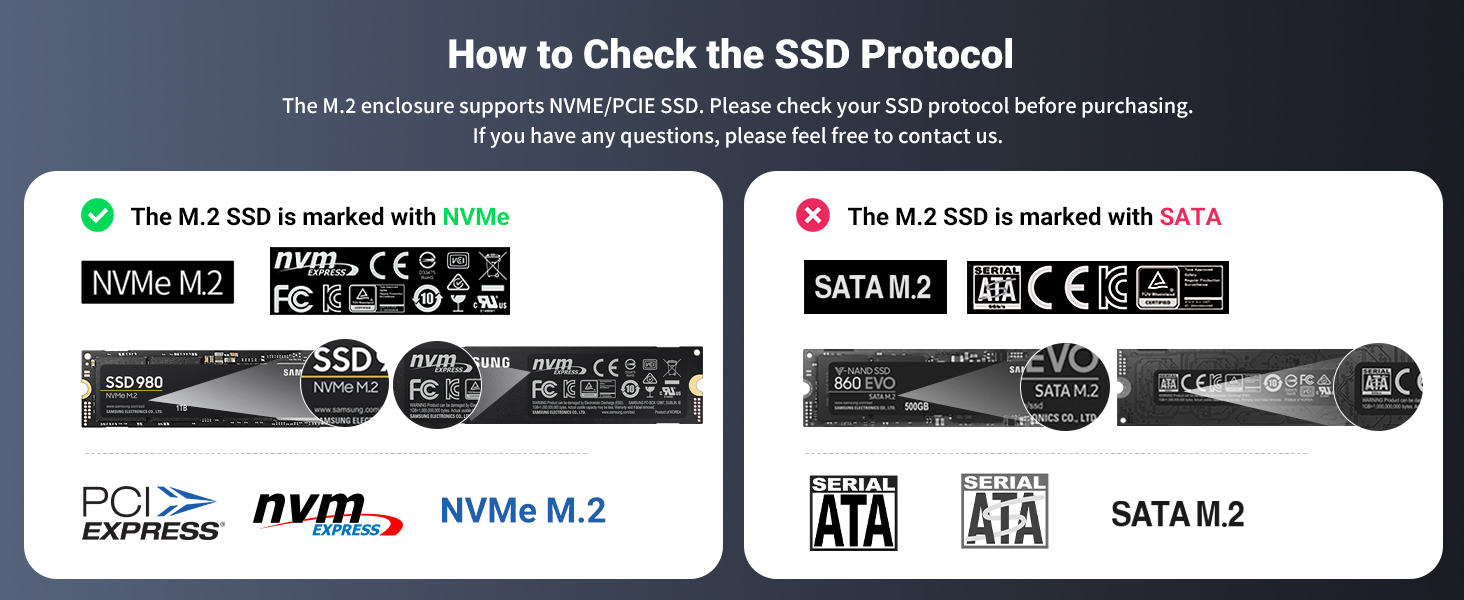
The M.2 NVMe standard defines the SSD compatibility for this enclosure. Drives built on M.2 NVMe specifications fit this UGREEN model. Other SSD types such as SATA M.2 drives, follow different specifications and may not match this enclosure design.
UGREEN positioned the 10902 as an external housing solution for M.2 NVMe drives. Users with spare M.2 NVMe SSDs or users upgrading their internal storage can repurpose drives through this enclosure. The drive sits inside the enclosure body and gains external connectivity.
Brand identification falls under UGREEN. Model designation remains 10902. Product category sits within M.2 NVMe SSD enclosures. The primary function covers external housing for M.2 NVMe solid-state drives.
People upgrading laptop or desktop storage often end up with leftover M.2 NVMe drives. Those drives sit unused unless placed into an enclosure like the UGREEN 10902. Old drive gets new life as portable storage.
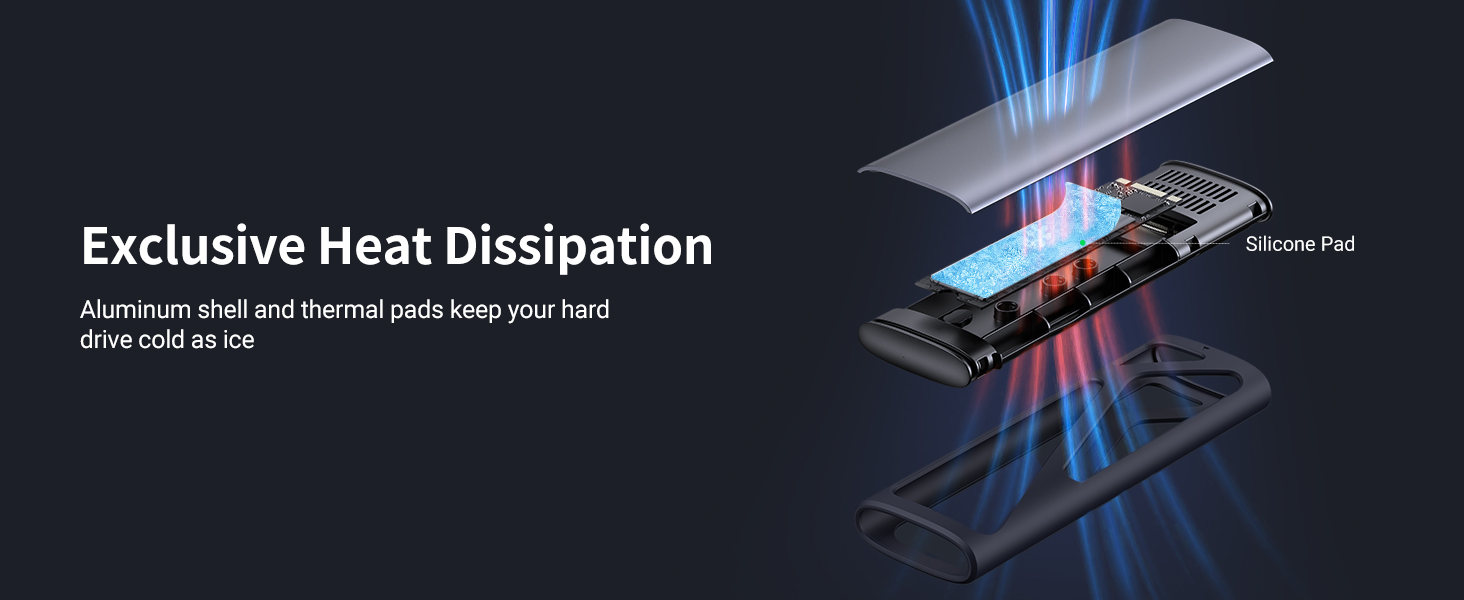
Assembly requires opening the enclosure, seating the M.2 NVMe drive into the internal slot, securing it, and closing the housing. Once assembled, the unit connects to computers through the external interface. The host system reads the drive as external storage media.
UGREEN 10902 falls into the storage accessory category. One enclosure per package. SSD not included with purchase. Users supply their own M.2 NVMe drive for installation.
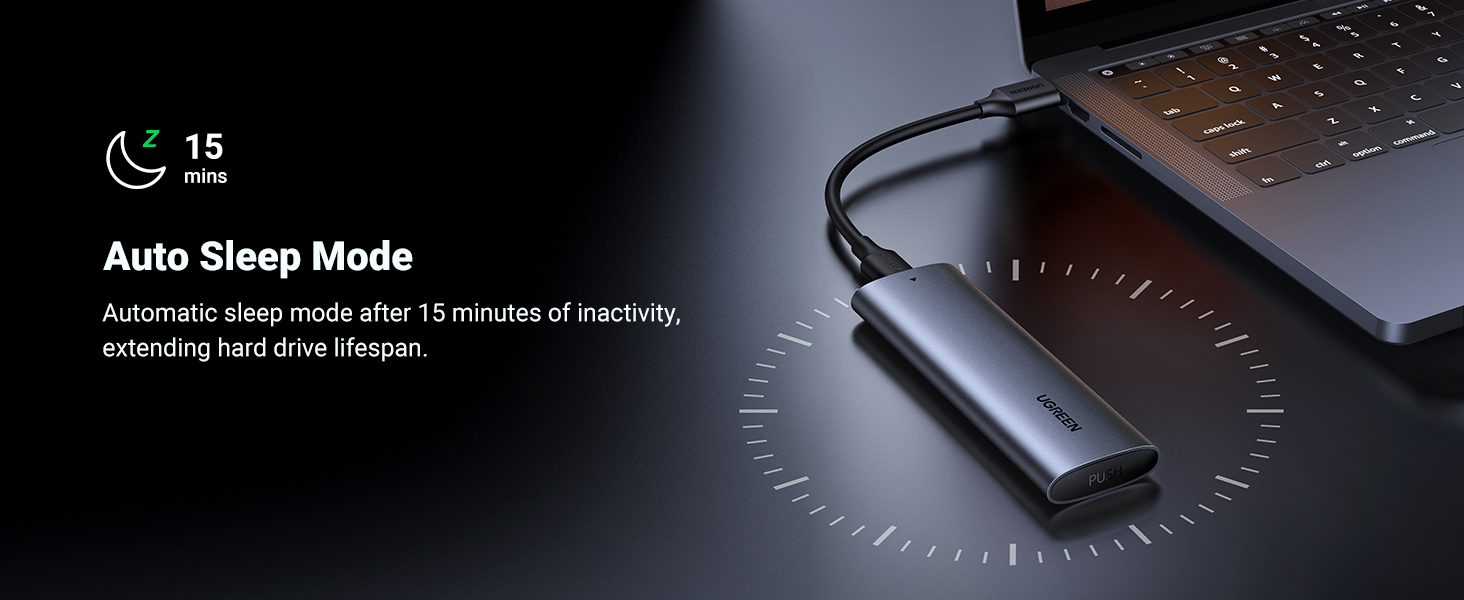
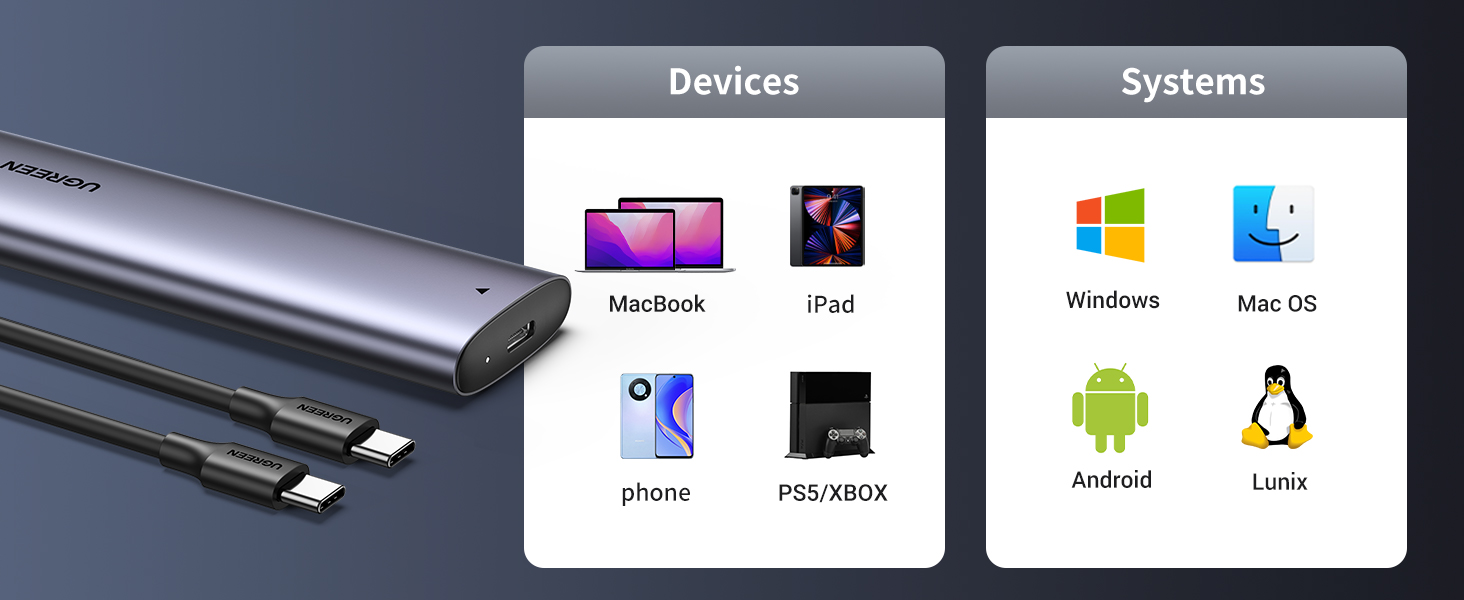
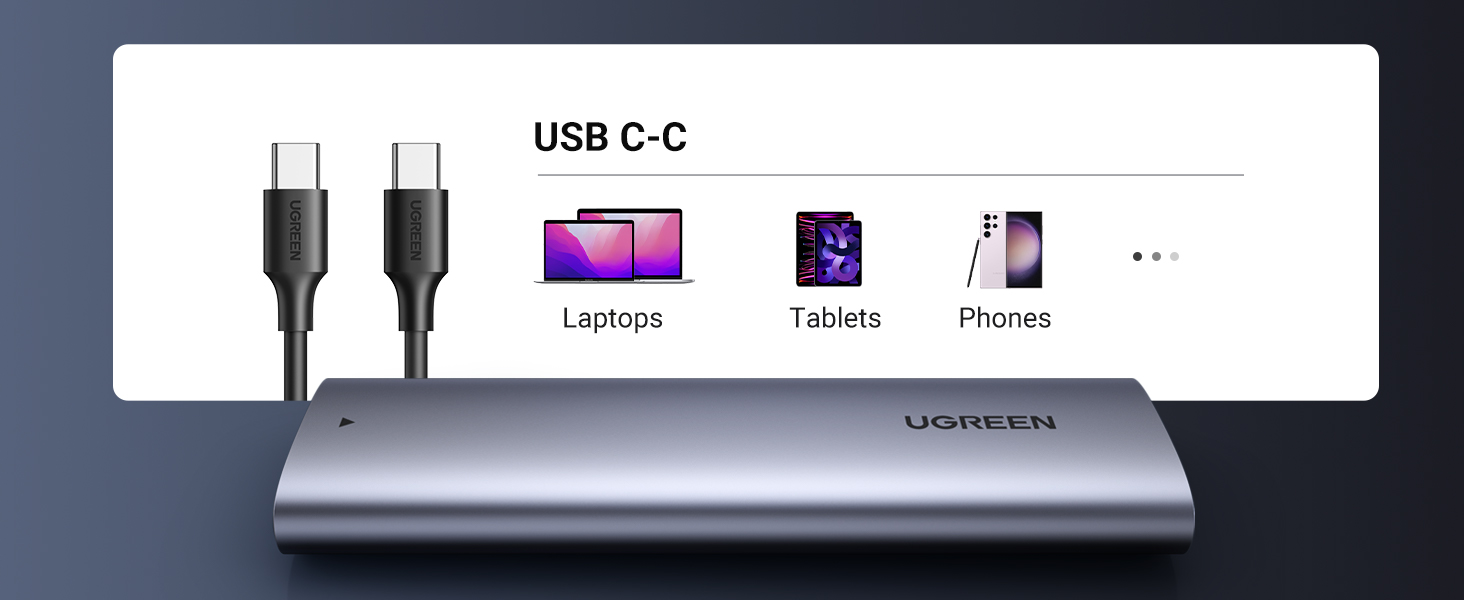
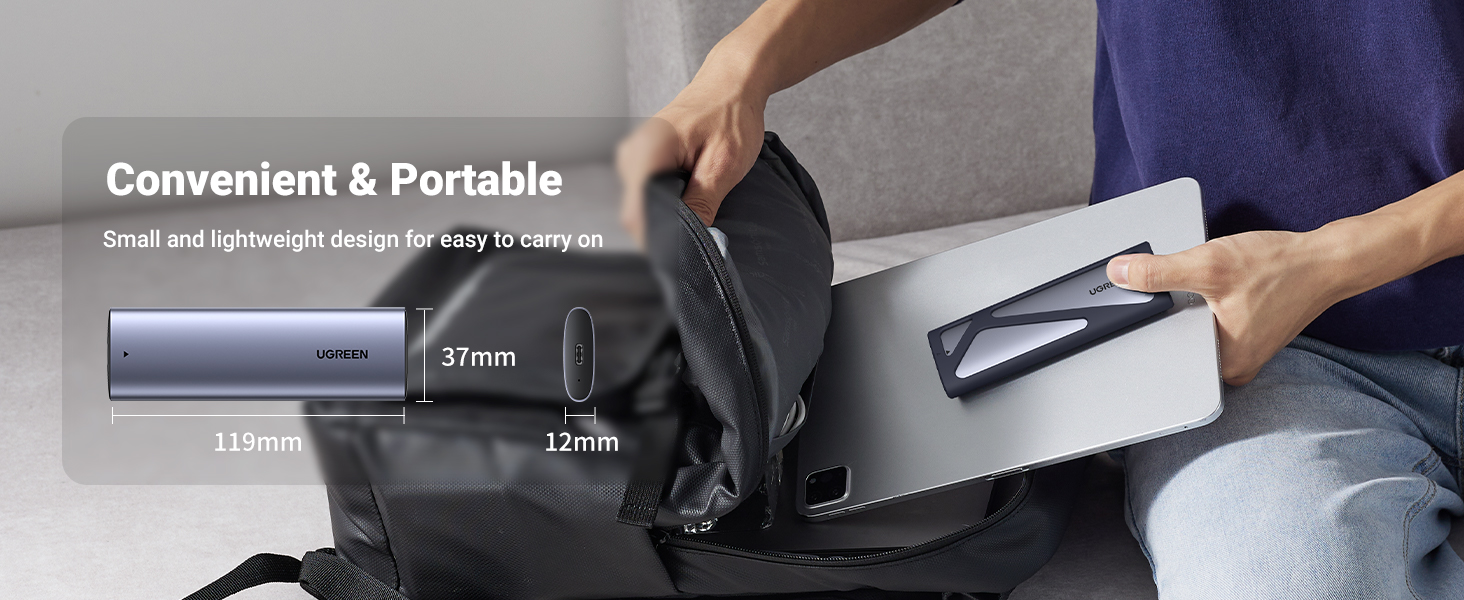
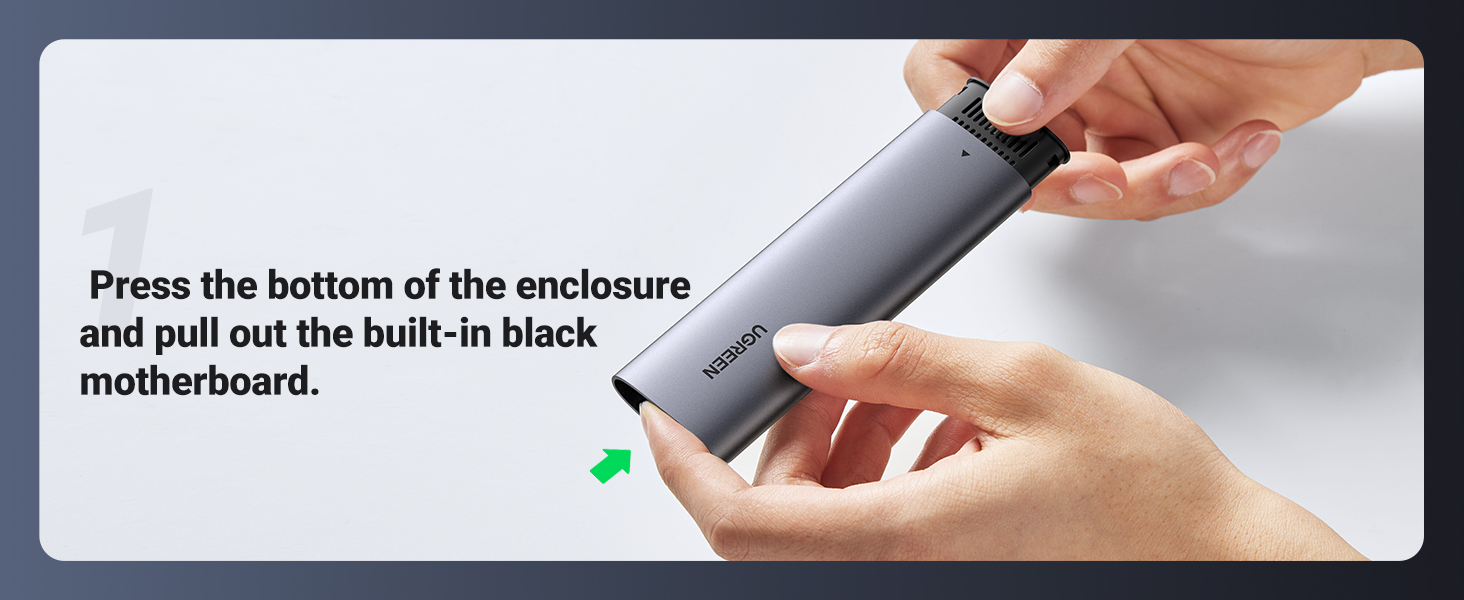
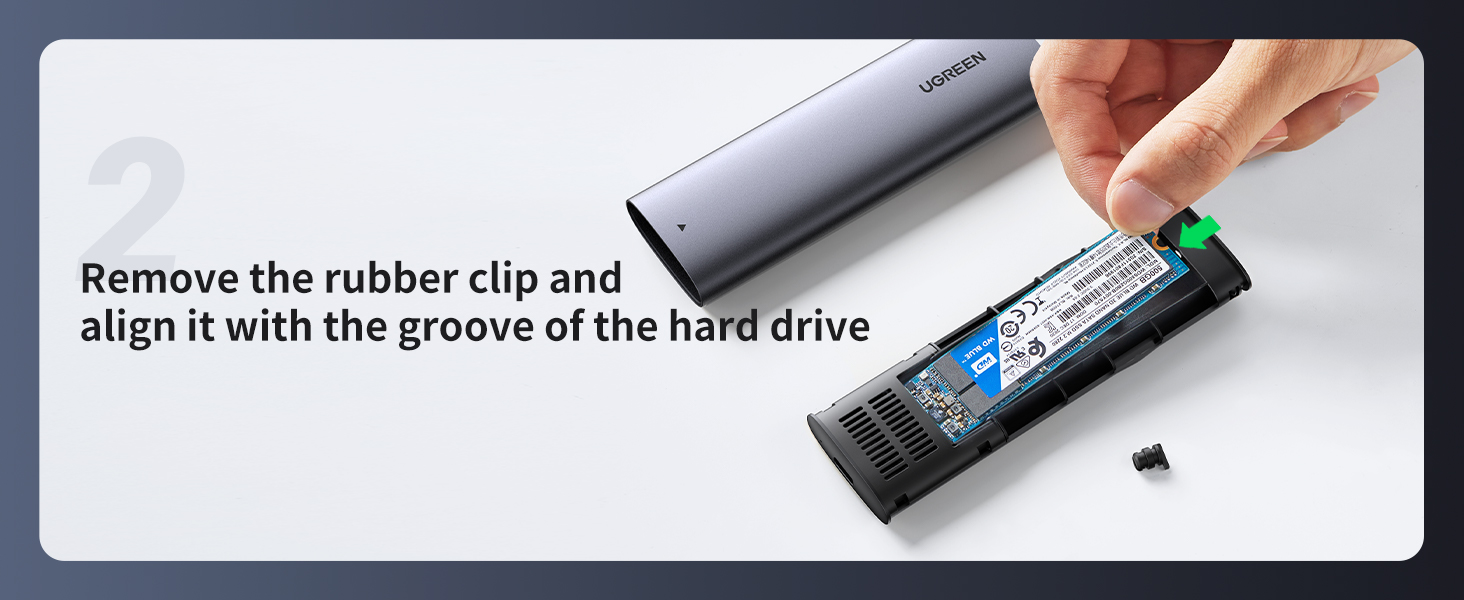
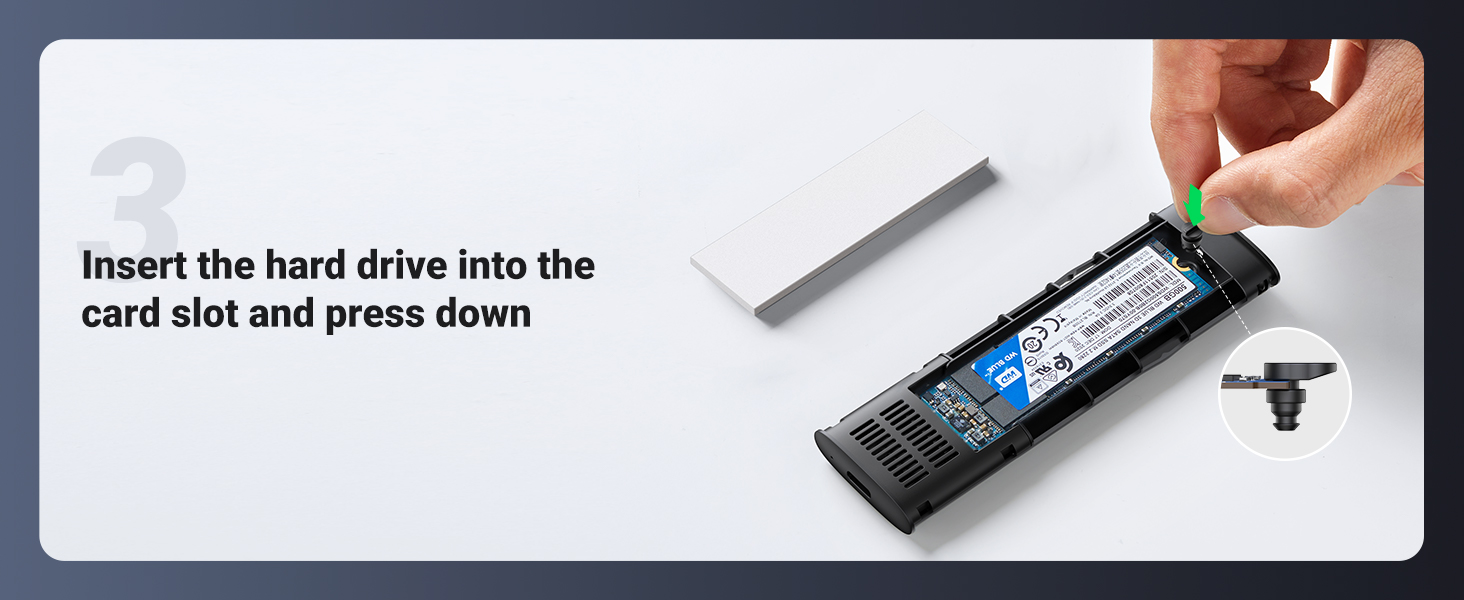
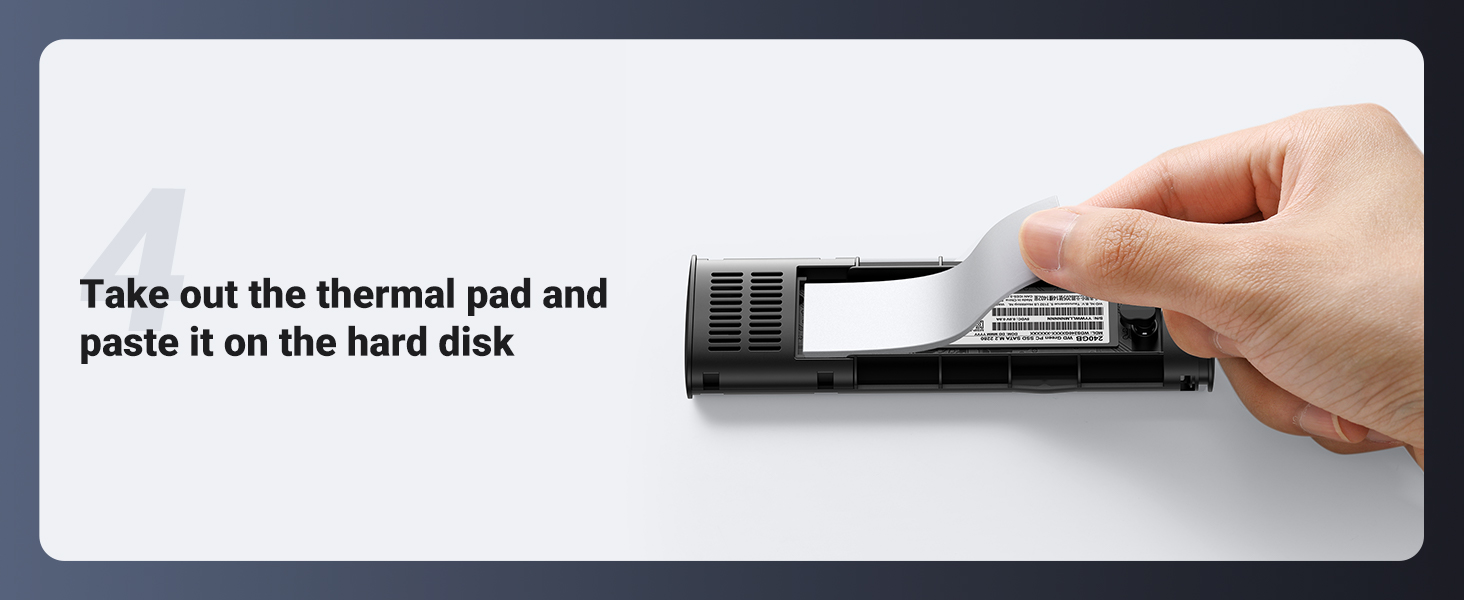
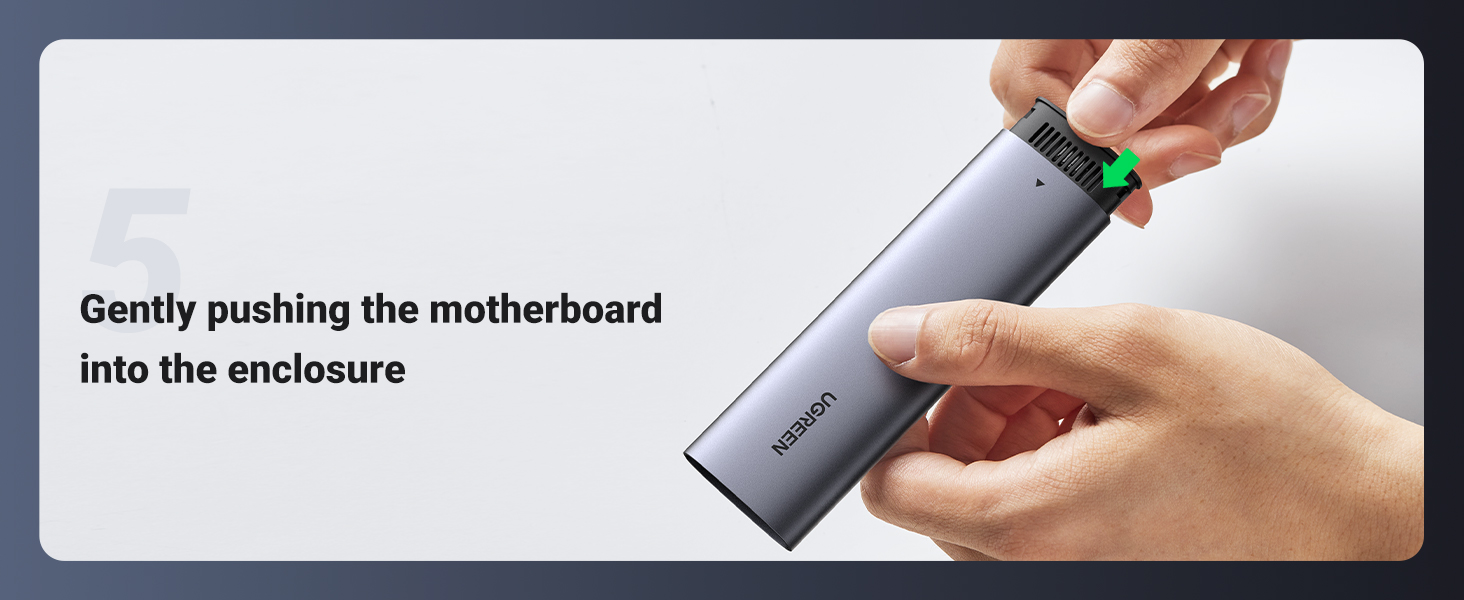
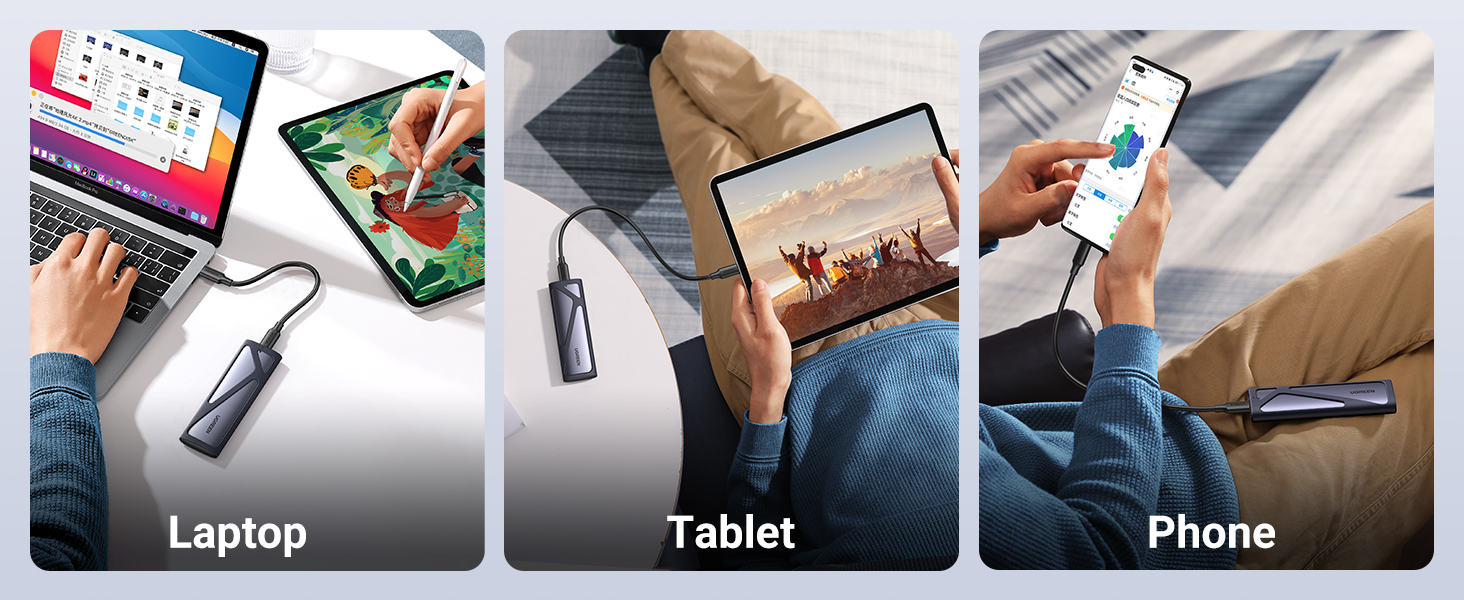
Notices For UGREEN M.2 NVMe SSD Enclosure Aluminum 10 Gbps USB C 3.1 Gen 2
- This M.2 NVMe SSD enclosure does not support M.2 NGFF (SATA protocol) interface SSDs.
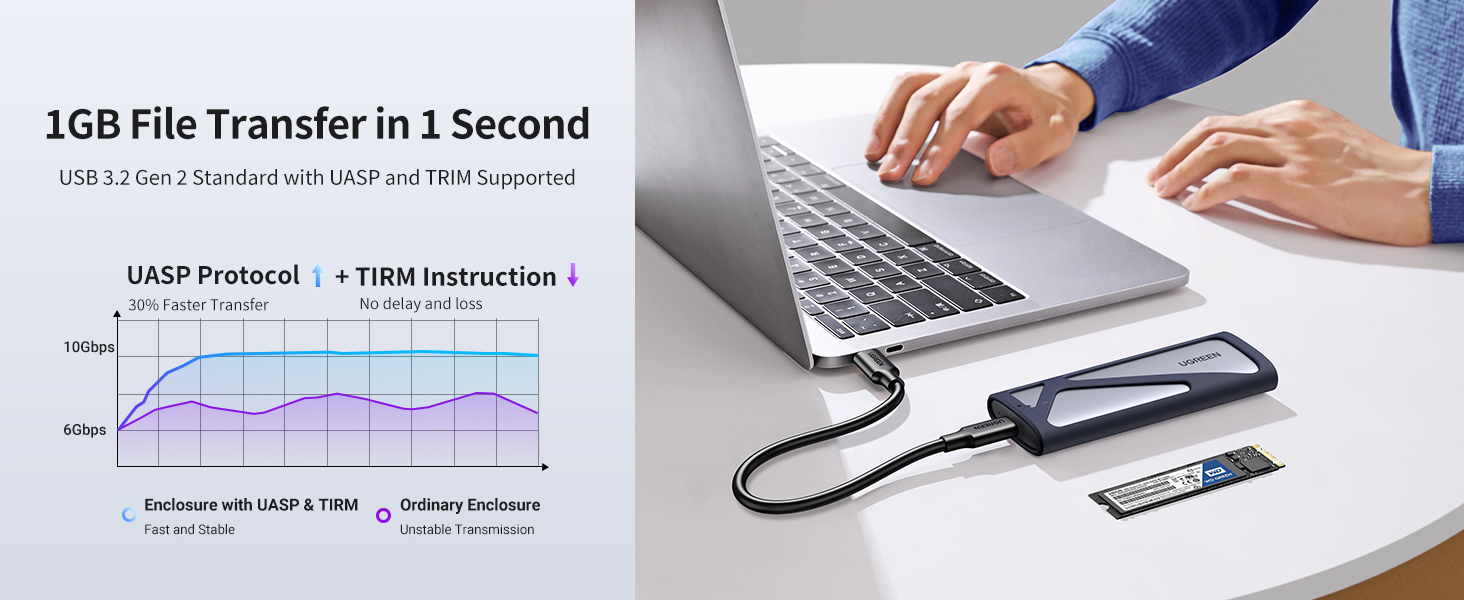
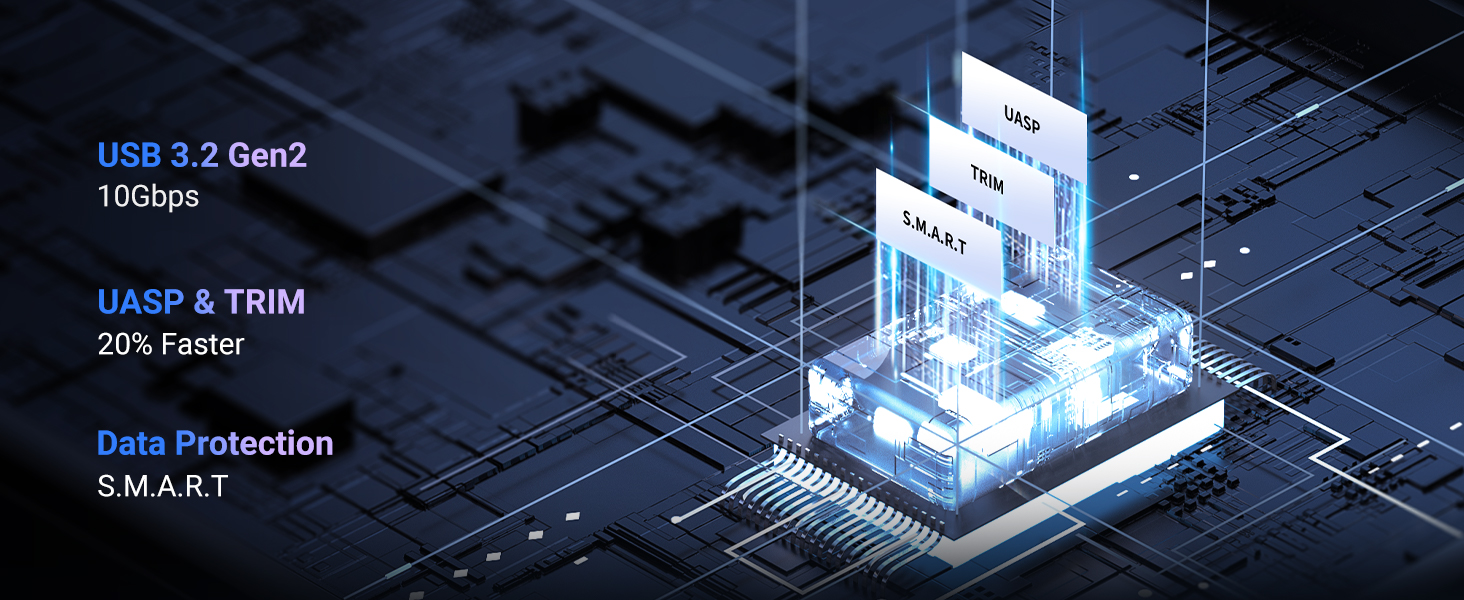
- To perfectly reflect product performance (up to 10Gbps), please connect this M.2 SSD enclosure to a device with a USB 3.1 gen 2 standard interface.
- When you need to take out the SSD, please perform a safe removal operation on the device before disconnecting it from the device. Do not remove the NVMe M.2 enclosure and SSD forcibly to avoid data loss and hard drive damage.
- When this SSD enclosure M.2 NVMe is copying data, do not forcibly disconnect the device to avoid file loss and hard drive damage.
- The solution to the problem that the device cannot recognize the SSD through this M.2 enclosure USB C:
- Confirm whether the connection between the data cable and the product and equipment is in good contact, and whether the SSD is installed correctly.
- The new SSD needs to be partitioned and formatted for the first use, otherwise the device cannot recognize the SSD.
- Confirm whether the system supports large-capacity hard drives, WinXP 32-bit systems do not support hard drives above 2T.
- Confirm whether the hard disk format is consistent with the SSD format supported by the system. If not, please format the SSD into a hard disk format supported by the system.
Additional information
| brand | UGreen |
|---|
Reviews (0)
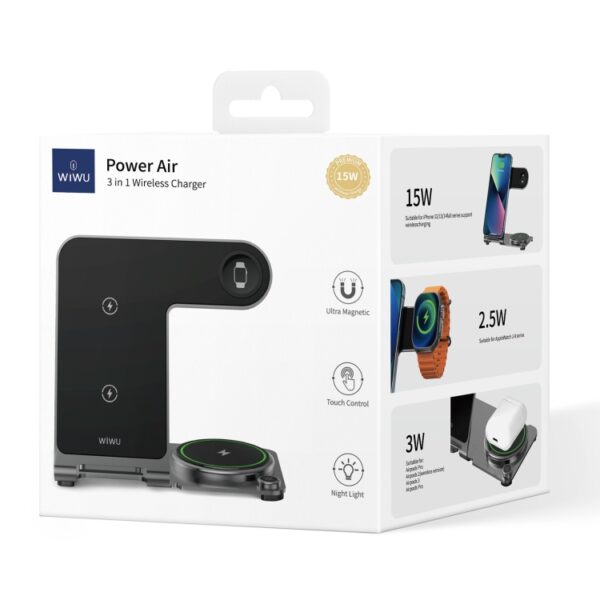
Wiwu W005 3 in1 Wireless Charger
Availability: In Stock

UGREEN 60327 WIRELESS PRESENTER
Availability: In Stock
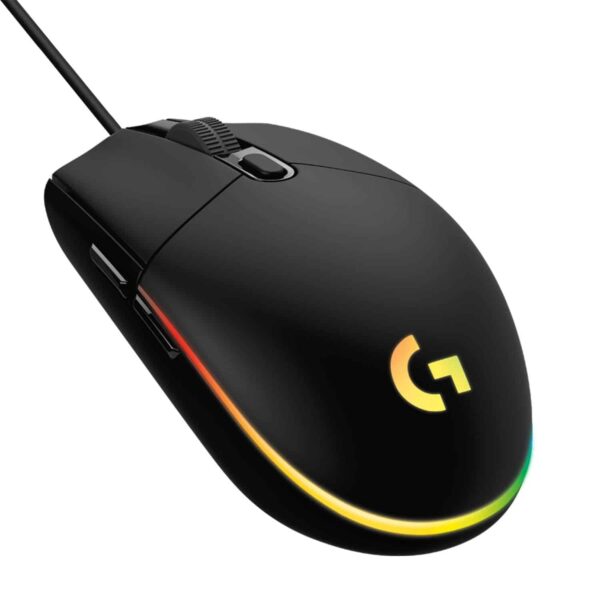
Logitech G102 Lightsync RGB 6 Button Gaming Mouse
Availability: In Stock

Logitech MK345 Wireless Keyboard and Mouse Combo with Keyboard Palm Rest
Availability: In Stock
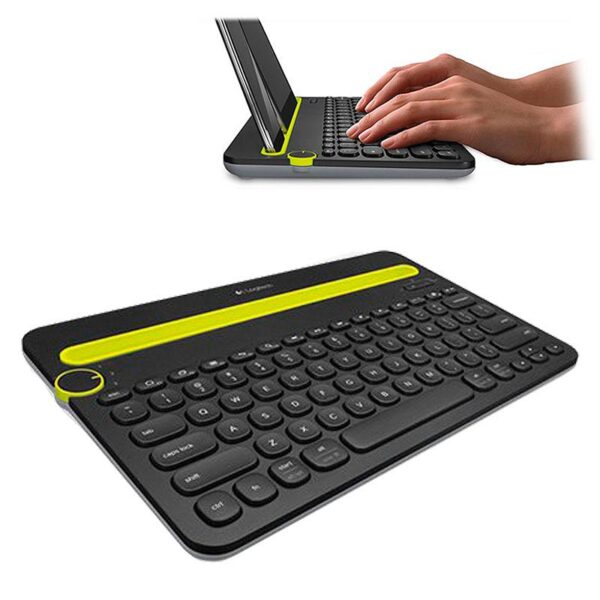
Logitech K480 Multi-Device Bluetooth Keyboard Black
Availability: In Stock
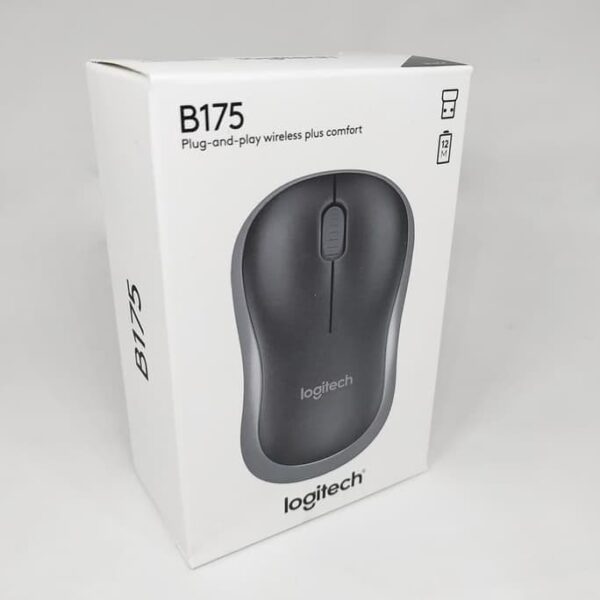
Logitech B175 Wireless Mouse Black
Availability: In Stock
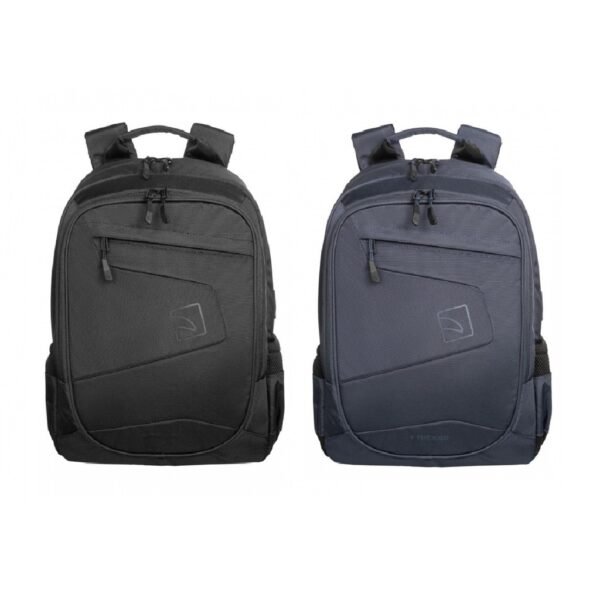
Tucano BLABK LATO BACKPACK 17″ NOTEBOOKS
Availability: In Stock
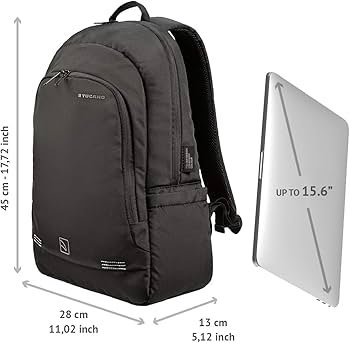
Tucano BKFOR Backpack Forte for laptop 15.6″ and MacBook Pro 16″ Black
Availability: In Stock
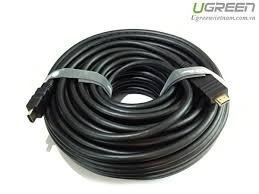
UGREEN 10111 4K HDMI 2.0 Cable Copper Base High Speed (15 Meter)
Availability: In Stock

Ugreen 45000 (6in1) USB C To 2*USB3.0, 1*Usb C, 1*HDMI 60Hz, 1*Giga Lan, 1*PD
Availability: In Stock

Ugreen 35963 65W 4-Port GaN Fast Charger
Availability: In Stock

UGREEN 35874 Nexode 100W 4Port Charger Usb-C*3, Usb-A*1
Availability: In Stock




Reviews
There are no reviews yet.